Drop any of these productivity widgets onto your All Sticky Notes canvas. Drag them anywhere, resize them, customise their colour — then get on with your day.
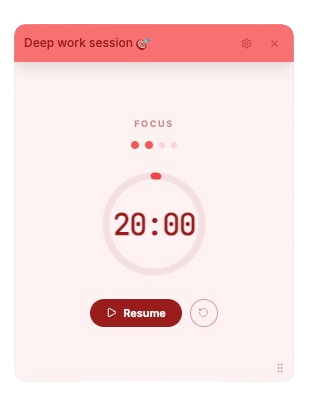
Built on the classic Pomodoro Technique, this card keeps you in deep-work mode. Set a work block, take a short break, repeat — and after four rounds enjoy a long break. Every duration is fully adjustable.
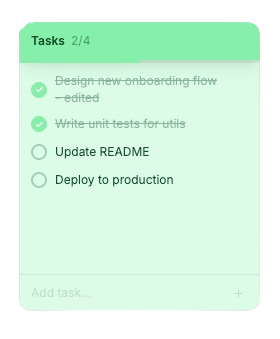
A lightweight to-do list that lives right on your board. Add tasks instantly, double-click to rename them, and check them off one by one. The progress bar fills as you clear your list.
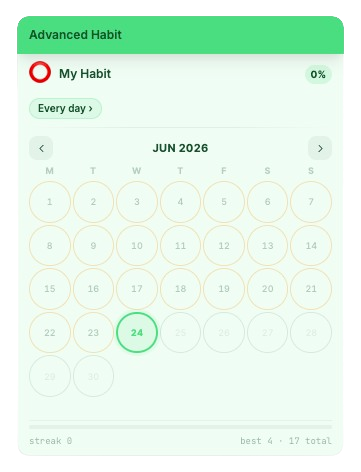
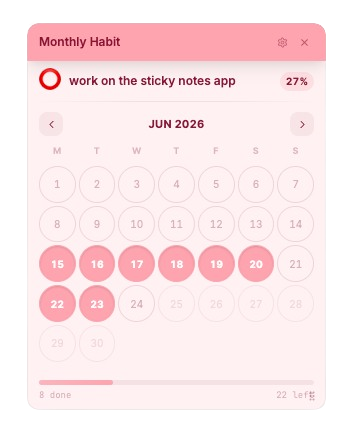
One card, one habit — with proper scheduling logic. Choose how often you want to practise, view your history in a month or week grid, and track your streak, best streak, and completion percentage over time.
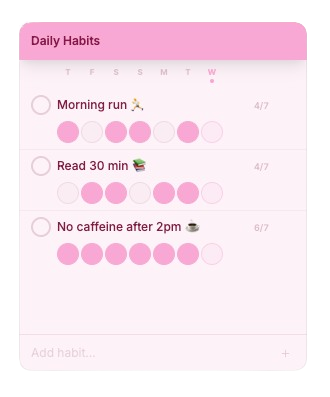
Track several habits simultaneously on a single card. Each habit shows the last 7 days as clickable letter-circles. Tap a circle to mark the day done and watch your streak accumulate.
Zoom out and see an entire month of consistency at once. Each day is a tappable circle — green when done, amber when missed. The slide animation between months keeps navigation smooth.
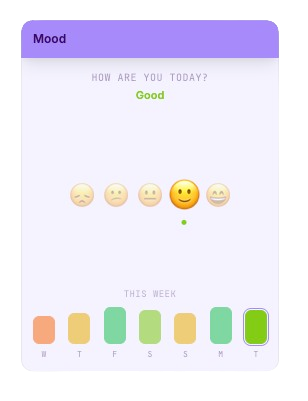
Check in with yourself every day. Pick one of five emoji moods — from great to rough — and the card draws a bar chart of your last seven days automatically. Great for noticing weekly patterns.
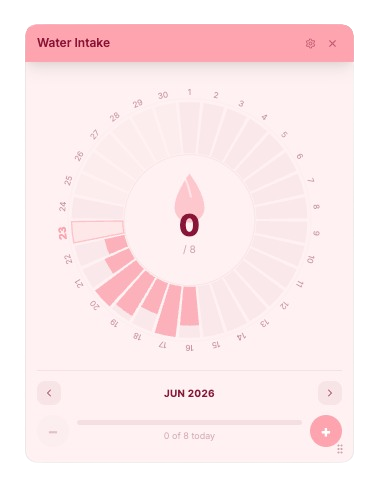
A dead-simple hydration reminder. Tap each droplet icon to add a glass (or a fraction of a litre). Set your own daily goal and watch the gauge fill up. Resets automatically at midnight.
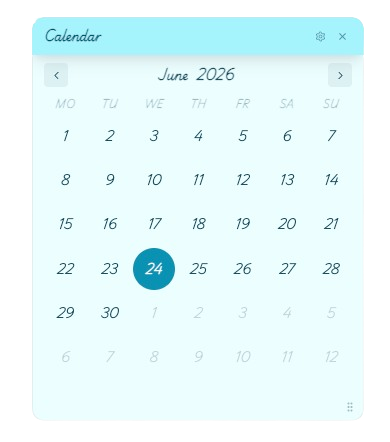
A clean, minimal calendar that always knows today's date. Navigate forwards and backwards by month, jump directly to any year, and choose whether your week starts on Sunday or Monday.
A real-time analog clock that lives on your board. The second hand sweeps smoothly — no tick, no stutter — using sub-millisecond interpolation. It matches your chosen theme colors perfectly and costs zero re-renders.
Pin any publicly accessible image to your board by pasting its URL. Add a styled caption below the photo — or hide it for a clean full-image display. Great for inspiration, mood boards, or reference images.
Paste any URL and the card automatically fetches its title, description, cover image, and favicon — no copy-pasting titles by hand. Perfect for bookmarking articles, tools, or references right on your board.
Set a duration, hit play, and watch the circular ring drain to zero. When time's up, an Apple-style glass chime plays to get your attention — no browser notifications needed.
All three habit apps are free and live on the same board — mix and match as you like.
| All Habits | Monthly Habit | Advanced Habit | |
|---|---|---|---|
| Habits per card | Multiple | 1 | 1 |
| Calendar view | 7-day strip | Full month | Month + Week |
| Frequency options | Daily only | Daily only | 6 modes |
| Streak tracking | ✓ | — | ✓ + Best streak |
| Completion % | — | ✓ | ✓ |
| Cards per board | Up to 2 | Up to 6 | Up to 5 |
Pick a header colour from 8 presets — or dial in any custom hex. Each card remembers its own colour.
Switch between sans-serif, cursive, handwritten, retro pixel, and more. Set per note.
Every card is draggable and resizable. Arrange your board exactly how your brain works.
Everything is written to localStorage instantly. Close the tab and come back — nothing is lost.
Your data never leaves your device. No server, no account, no analytics on your content.
No heavy bundle, no login wall. The board opens in under a second and works offline.
No sign-up. No download. Open and pin your first app in seconds.
Open All Sticky Notes →